
Getting invited to a wedding
What suppliers can see after being invited to collaborate on a wedding, and how to accept an invite.
If you're a caterer, photographer, venue, florist, or any other supplier working on a wedding, a couple or their planner can invite you to collaborate directly in Trouwplan, rather than keeping you updated purely by email.
Accepting an invite
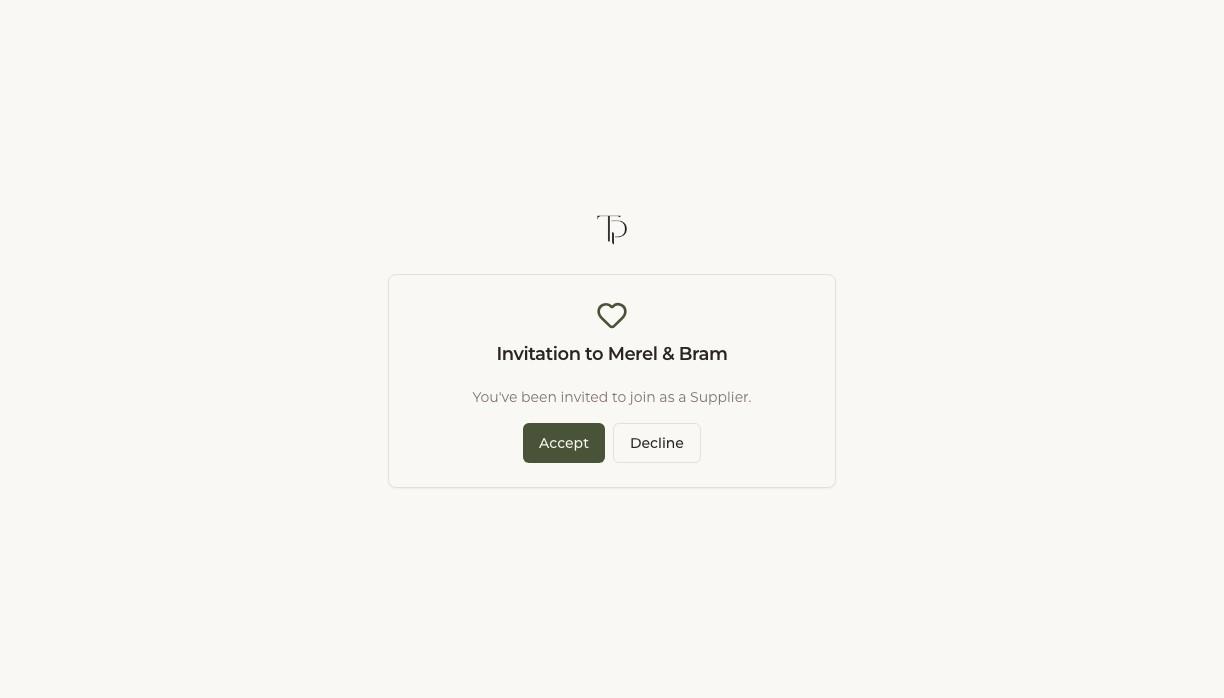
You'll receive an invite email with a link to accept. If you don't already have an account, one is created for you as part of accepting — there's no separate sign-up step. Once accepted, you can log in to see the wedding you've been invited to.
What you can see
Access is scoped to what's relevant to your part of the day. Depending on what the couple or planner shares with you, this can include:
- The wedding-day schedule, so you know timing without having to ask
- Your own responsibilities and logistics notes
- The chat, for coordinating directly with the couple, their planner, and other suppliers
You won't see the full guest list or budget unless it's specifically shared with you — access is limited to what you need for your part of the wedding.
Multiple weddings
If you work with several couples who use Trouwplan, each invite is separate — accepting one doesn't give you access to any other wedding. You can be invited to and see multiple weddings at once, each with only the access that wedding's couple or planner has given you.